For this lab, we started experimenting with serial communication, specifically between Arduino and the p5js web editor.
I chose to make a game out of entering your phone number, which was based off of an upcoming assignment for another class wherein we came up with the worst way to enter a phone number into a web form. I thought it would be a fun thought experiment to use my controls from the sensor box lab, as the force sensitive resistor tended to be difficult to work with from a user’s point of view.
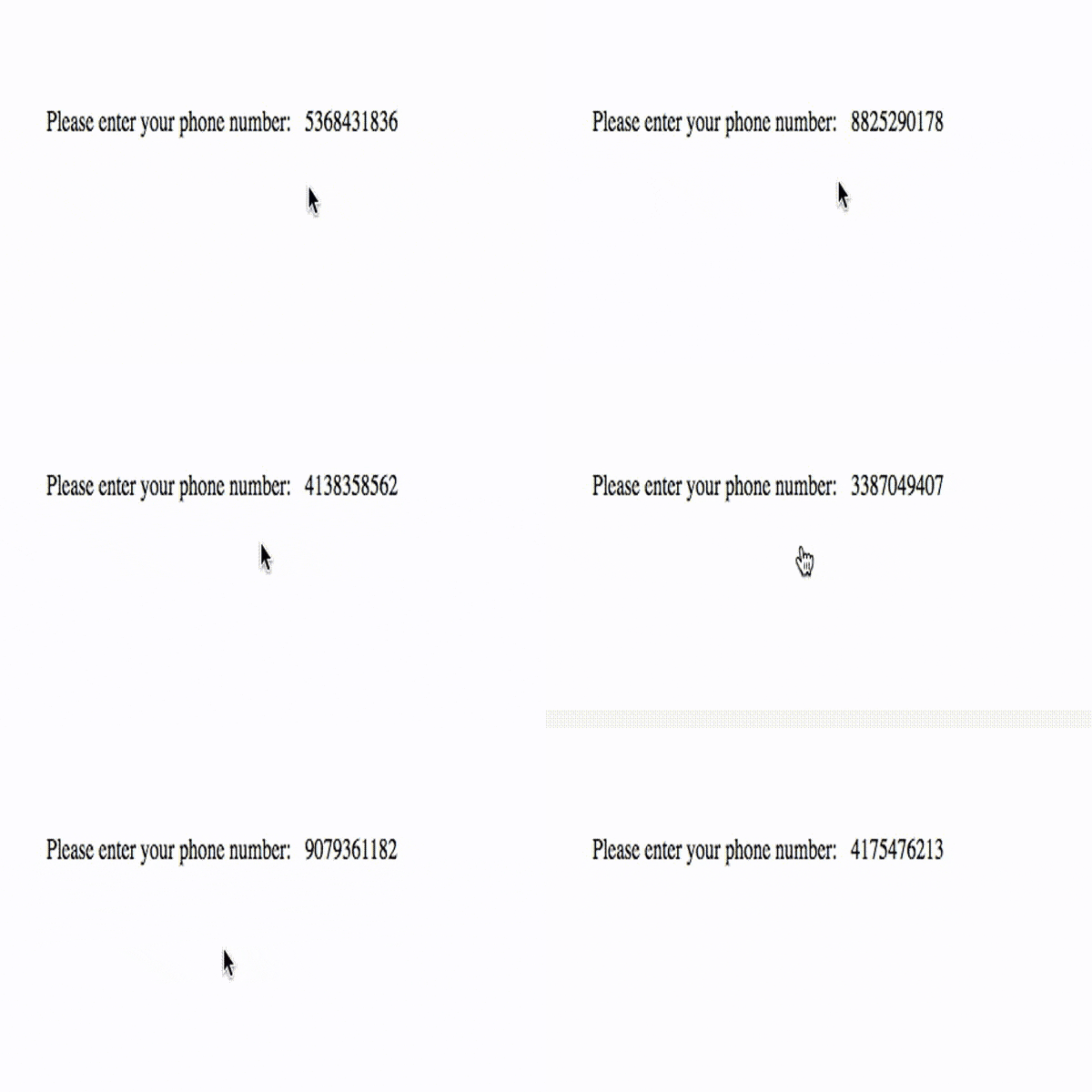
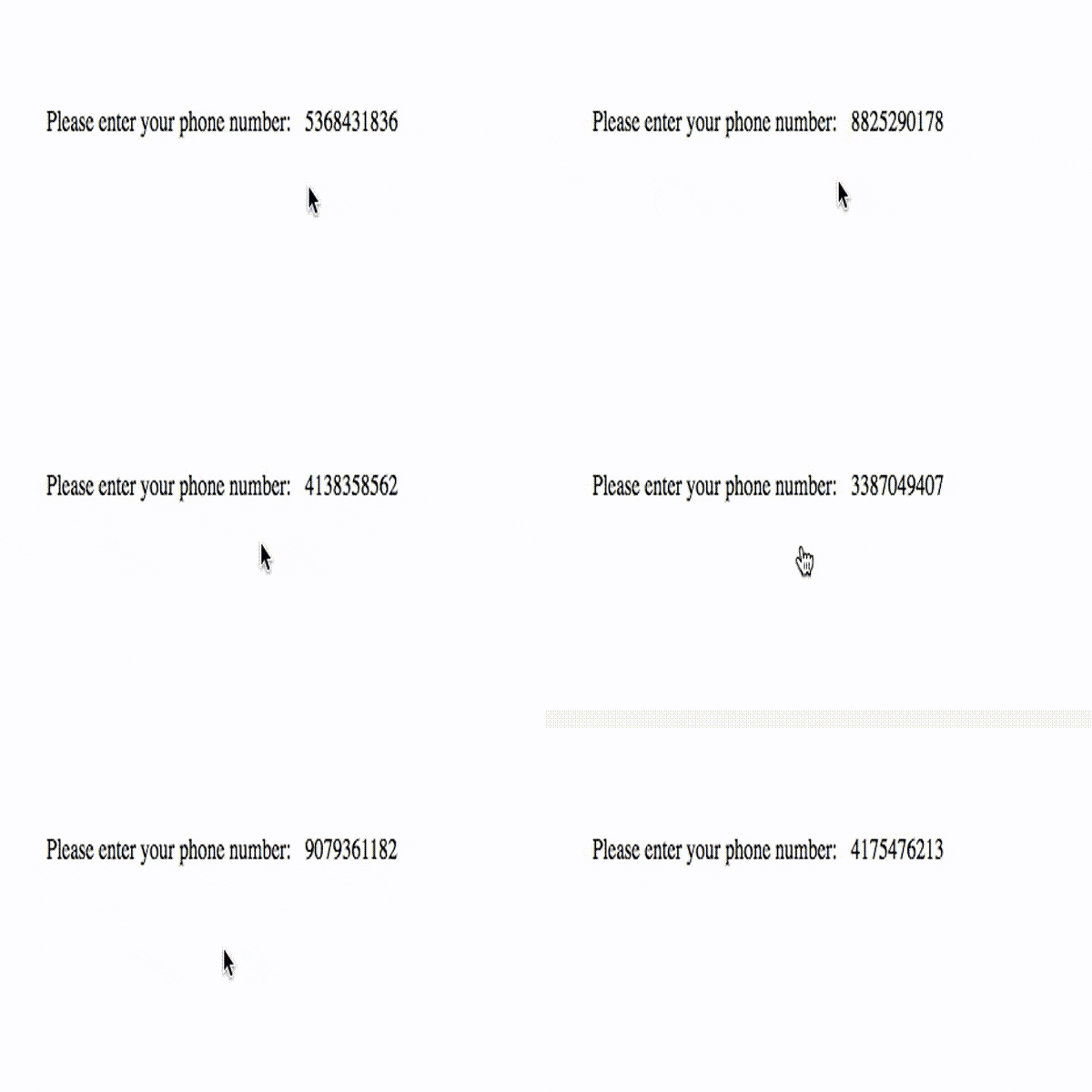
Source: https://kottke.org/plus/misc/images/phone-num-forms-04.gif
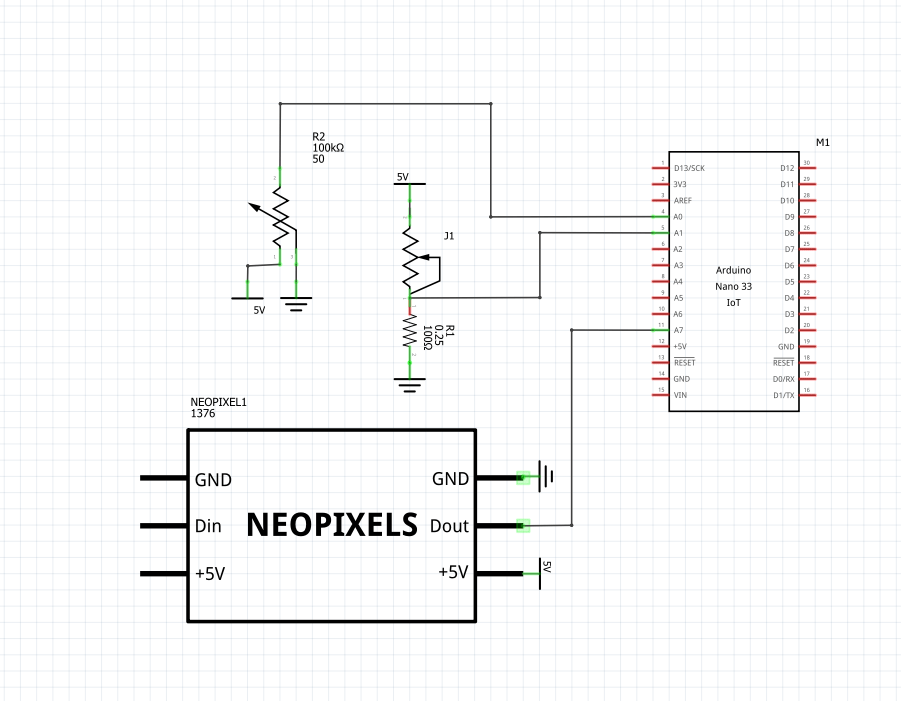
The physical component of the project stayed unchanged from the previous lab, give or take some hot glue which came away from the housing of the original electronics.
Coding in p5 ended up being a challenge on its own, as it was based off of JavaScript but at the same time didn’t quite have the exact same functionality. I experimented with creating random colors, but realized that with the looping draw function, the random colors would flash far too quickly (and within a matter of minutes gave me a migraine!). My limited experience with JavaScript and the limitations which were set by p5 itself were big factors in what I did for this lab.
I started from the code provided by Arielle, which took data sent to the serial controller as a string and outputted it on the p5 screen. Using the same ranges of values for my potentiometer and force sensitive resistor that I found in the last lab, I mapped the inputs to numbers which would reference the index of the string of numbers and the outputted number itself. The potentiometer controlled which index was being changed, and the force sensitive resistor changed the digit based on how much force the user applied.
As can be seen in the video below, the code does still have its bugs, as you do have to apply quite a bit of force to the sensor in order to get to numbers as low as 1 or 2, and even then the pressure makes the numbers fidgety. In addition, there is a bug in the code that makes the string longer than the initialized 10 digits which are used in a phone number.
//input your port on line 12, OR delete this and copy the starter code from the P5.serialcontrol application

let serial;
let latestData = "waiting for data";
let currentString = "";
let potVal;
let pressureVal;
let newFont;
let numberText = '0000000000';

function preload()
{
  newFont = loadFont('FuzzyBubbles-Bold.otf');
}

function setup() {
 createCanvas(windowWidth, windowHeight);


 serial = new p5.SerialPort();

 serial.list();
 serial.open('COM5');

 serial.on('connected', serverConnected);

 serial.on('list', gotList);

 serial.on('data', gotData);

 serial.on('error', gotError);

 serial.on('open', gotOpen);

 serial.on('close', gotClose);
}

function serverConnected() {
 print("Connected to Server");
}

function gotList(thelist) {
 print("List of Serial Ports:");

 for (let i = 0; i < thelist.length; i++) {
  print(i + " " + thelist[i]);
 }
}

function gotOpen() {
 print("Serial Port is Open");
}

function gotClose(){
 print("Serial Port is Closed");
 latestData = "Serial Port is Closed";
}

function gotError(theerror) {
 print(theerror);
}

function gotData() {
 currentString = serial.readLine();
  trim(currentString);
 if (!currentString) return;
 //console.log(currentString);
 const stringArray = currentString.split(',');
  potVal = stringArray[1];
  pressureVal = stringArray[0];
}

//function to replace one item in a string
//found at: https://stackoverflow.com/questions/1431094/how-do-i-replace-a-character-at-a-particular-index-in-javascript
function setCharAt(str,index,chr) {
    if(index > str.length-1) return str;
    return str.substring(0,index) + chr + str.substring(index+1);
}


function draw() {

    background("cornflowerblue");
  textSize(40);
  textFont(newFont);
  text('Give me your phone number.', 50, 100);

  //map potVal to 0-10
  //we only want ints
  let potSimp = round(map(potVal, 0, 1023, 0, 10));
  let pressSimp= round(map(pressureVal, 992,1023, 0, 9));

  //checking for ints
  // console.log(potSimp);
  // console.log(pressSimp);


  //make the string
  if (potSimp != 10 && potSimp != 'Na' && pressSimp != 'Na')
    {

      numberText = setCharAt(numberText, potSimp, pressSimp);
    }


  textSize(70)
  text(numberText, 40, 300);

}
P5 Link: https://editor.p5js.org/caykennedy/sketches/g7mC6zmwI
 Cayla Kennedy