Reverie
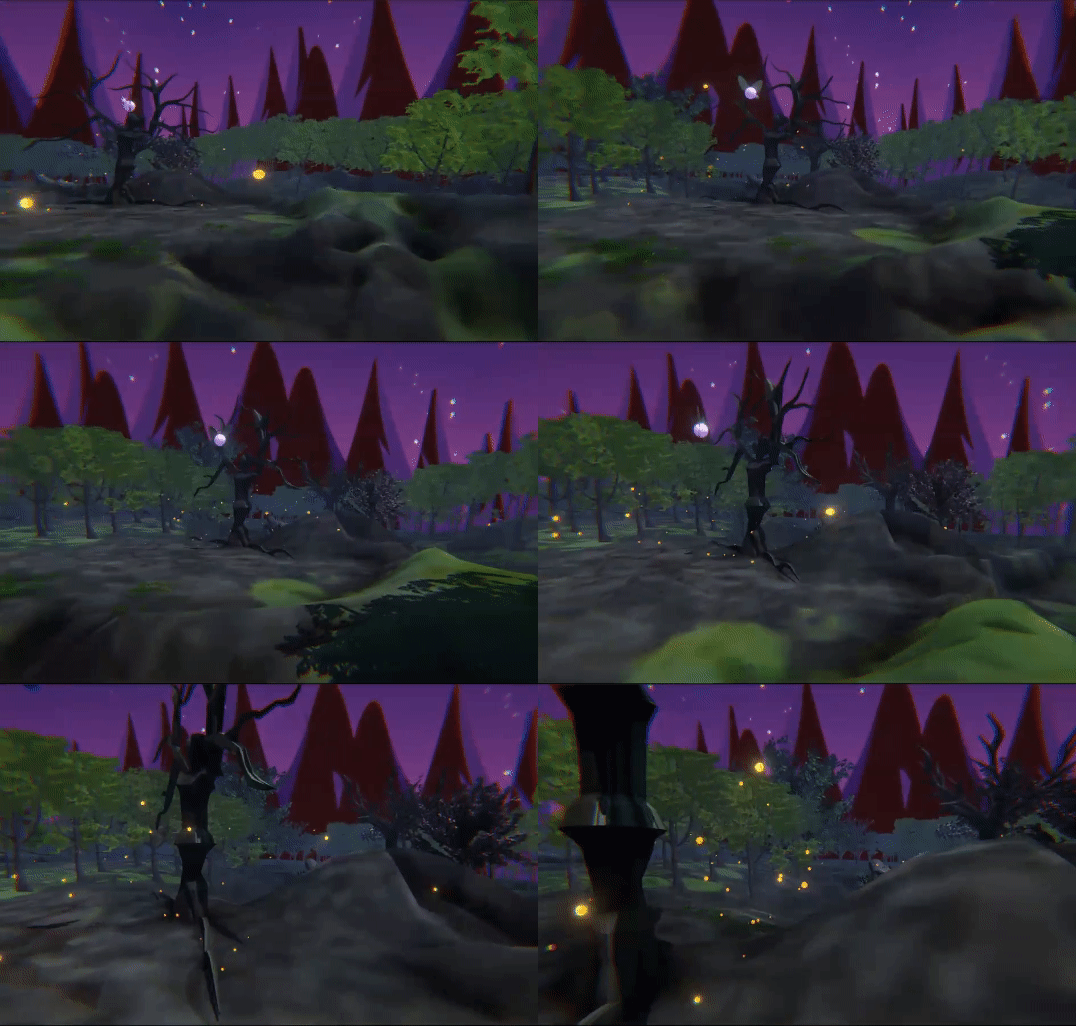
Lost in a Daydream
Reverie is a project inspired by my love for theme parks and is a culmination of skills taught to me by the Creative Technology and Design program at the University of Colorado Boulder. This project aims to be an accessible form of the type of escapism that theme parks offer, as theme parks nowadays can be cost prohibitive or too far to travel to. It is an interactive experience reminiscent of a dark ride, where users can choose different paths to explore a fantasy world, visiting scenes featuring Fairy Towns, Enchanted Forests, Crystal Caves, and Will o’ the Wisps.
Reverie gives audiences a chance to get lost in a daydream.
Screen Based Technology
The screen based portion of the project was built in Unity engine with individual assets being created in Adobe Illustrator, SketchUp, and Blender.
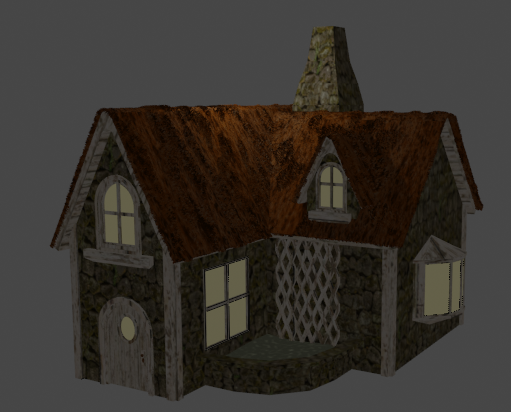
I was in charge of creating the majority of assets used, and I chose to combine 2D illustrations of backgrounds and forest creatures with 3D models of scenery and buildings.
Backgrounds


3D Scene Assets
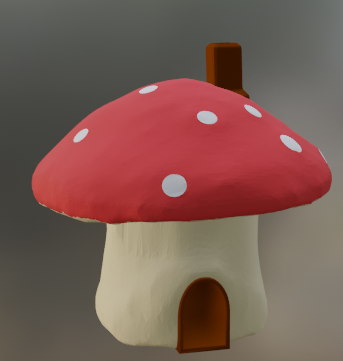
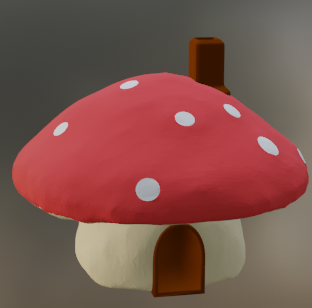
Forest Creatures and Scenery



Physical Objects
Reverie uses physical objects as an interaction point, rather than having users type directly into the computer. Users can interact with mushrooms, a tree branch, the sword in the stone, and a lantern in order to choose their path through this daydream. Object fabrication was completed using computer assisted methods like 3D printing and laser cutting in combination with more traditional methods of paper mache and painting.
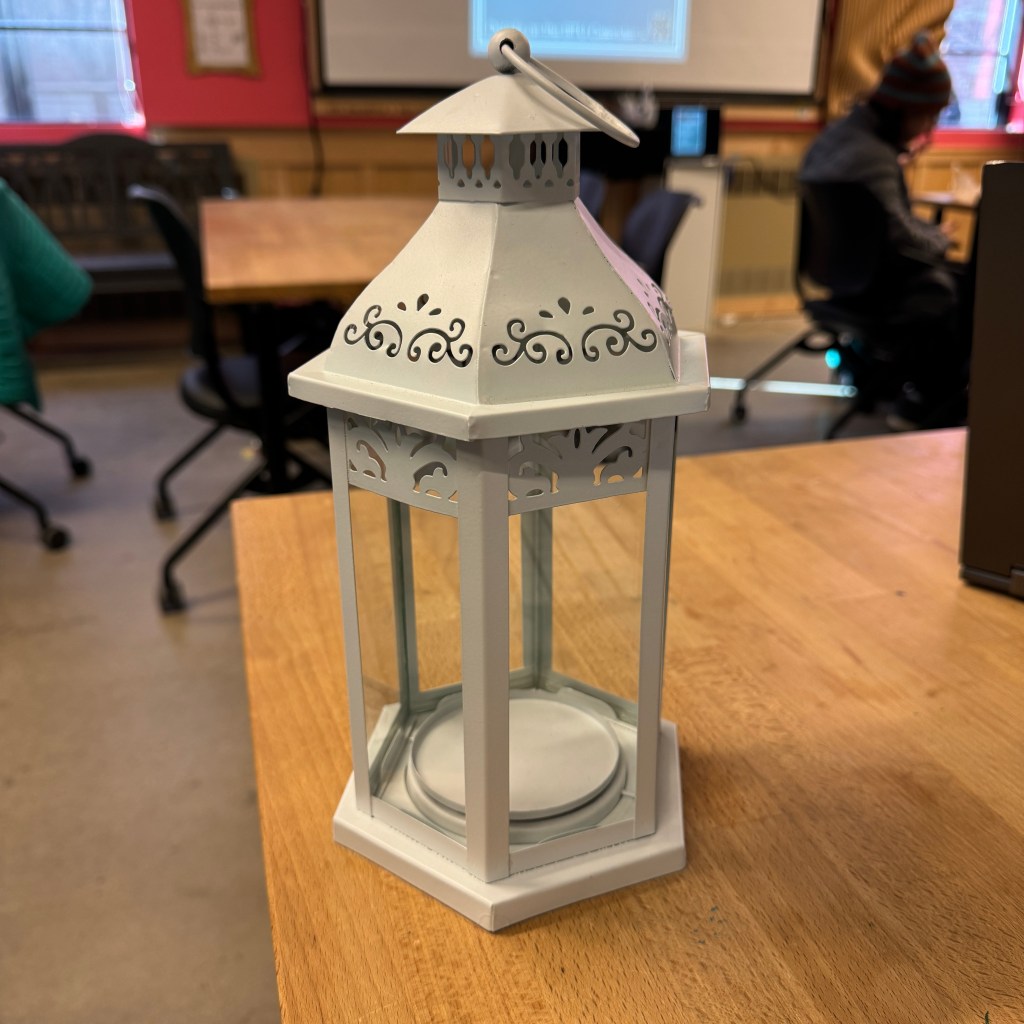
My task in creation of physical objects was to make the lantern, and the idea was for it to light up once it was picked up, which would also trigger the scene change to show the Enchanted Forest. The original lantern was bought from Michaels, and my colleagues and I chose to customize it to properly fit our project. The challenge in creating this was the need for two separate systems due to the fact that we didn’t want any wires to be visible to keep up the illusion of the environment. I ended up designing a small system with an Arduino nano inside of the lantern itself with an enclosure that was shaped like a flame to mask the wires and diffuse the LEDs.
In order to properly get the system to trigger the change and light up the LEDs at the same time, I used a normally closed contact switch for the lantern’s internal system and I created my own switch using copper tape and two plates for the external system. The result was an overwhelming success, as the behavior of the lamp was exactly what I planned.
Creating the Illusion
One of my main contributions to this project was integrating the physical with the screen-based, which was attained using Arduino systems and HeavyM for projection mapping. I used the Ardity plugin and the Spout plugin to connect to each system, respectively. While this originally caused latency issues with interactions and scene loading times, I was able to optimize the Unity project to mitigate these issues as much as possible.

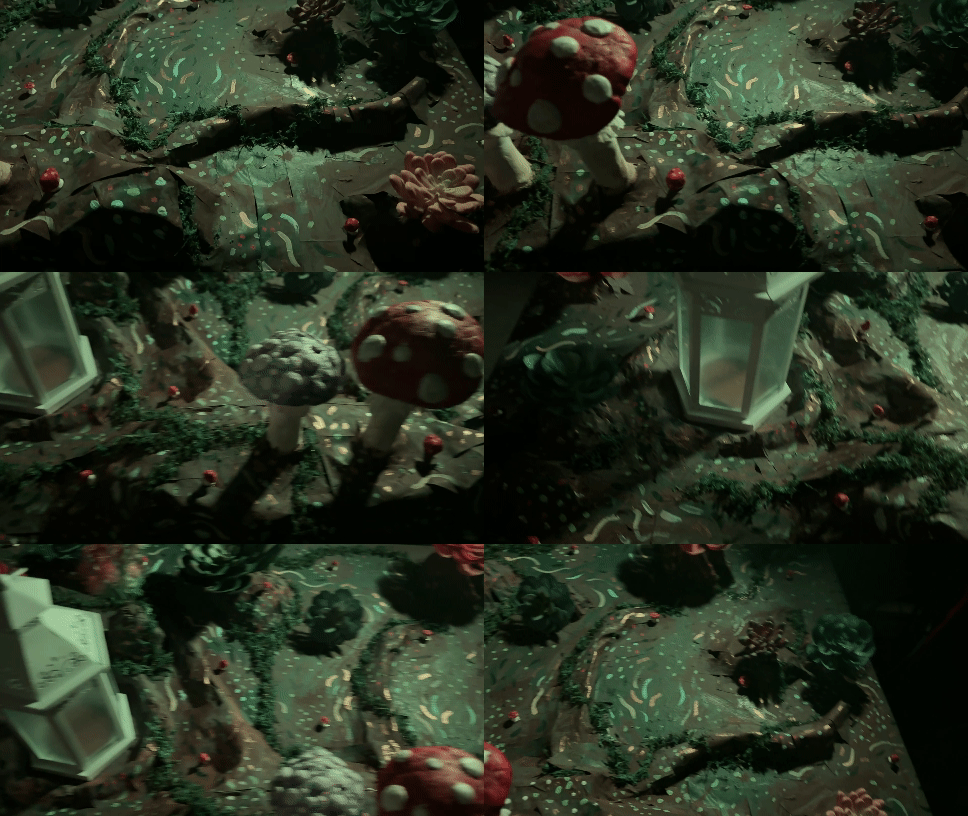
The main challenge in system integration was maintaining the illusion of a whole new world, and the team had three big constraints: time, budget, and portability. Building a large and immersive set was impractical with these constraints, so the team made do. Main props such as the sword in the stone and the log needed to be able to be disconnected and moved on the fly, and no piece of the project could be too heavy. In addition, the illusion needed to be maintained by hiding all wires and switches.
The Hidden Piece
An added layer of this project includes letters hidden around the environment, which encourages audiences to return and explore the different areas in order to spell out a word.








Trailer
Collaborators
Torshawna Chew
Abby Hakewill
Marla Kassanoff
 Cayla Kennedy