Collaborators: Torshawna Chew, Marla Kassanoff, Abby Hakewill
Reverie is a project inspired by my love for theme parks and is a culmination of skills taught to me by the Creative Technology and Design program at the University of Colorado Boulder. This project aims to be an accessible form of the type of escapism that theme parks offer, as theme parks nowadays can be cost prohibitive or too far to travel to. It is an interactive experience reminiscent of a dark ride, where users can choose different paths to explore a fantasy world, visiting scenes featuring Fairy Towns, Enchanted Forests, Crystal Caves, and Will o’ the Wisps.
Reverie gives audiences a chance to get lost in a daydream.
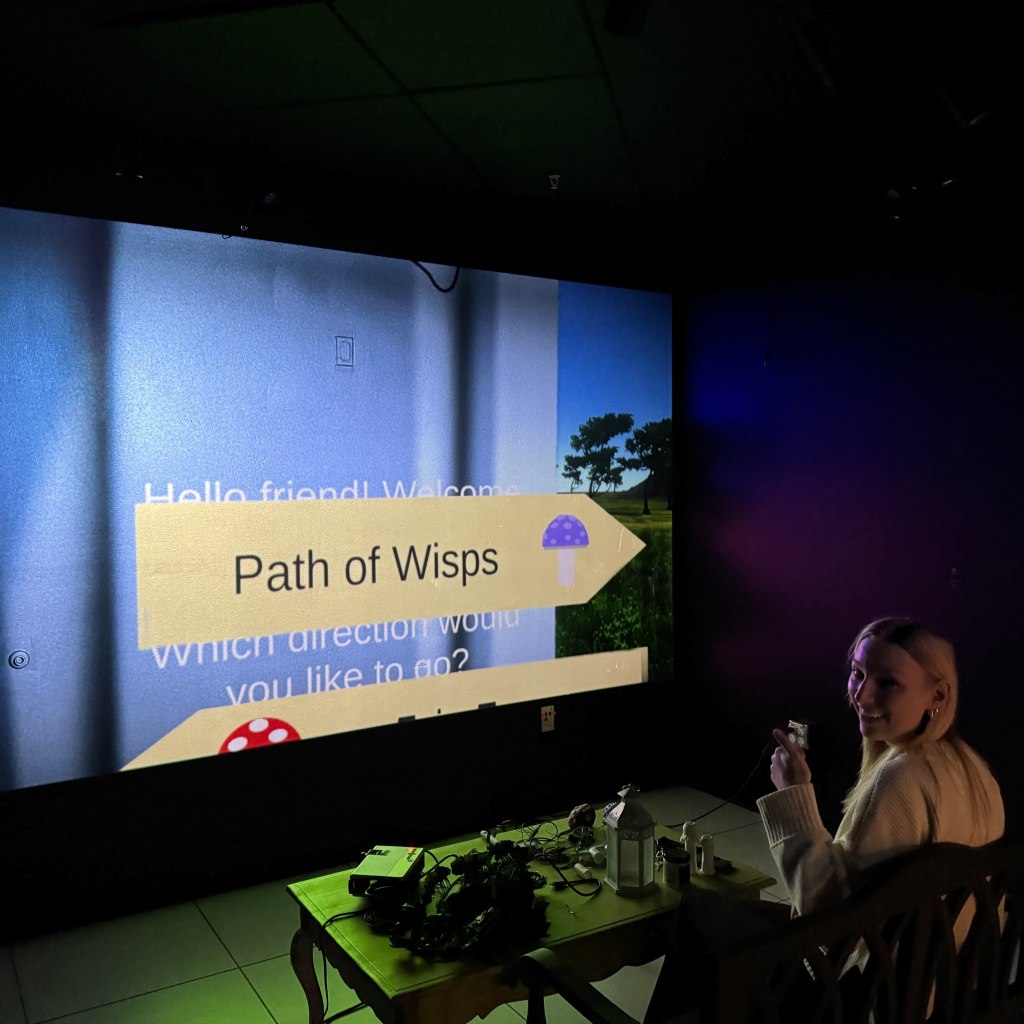

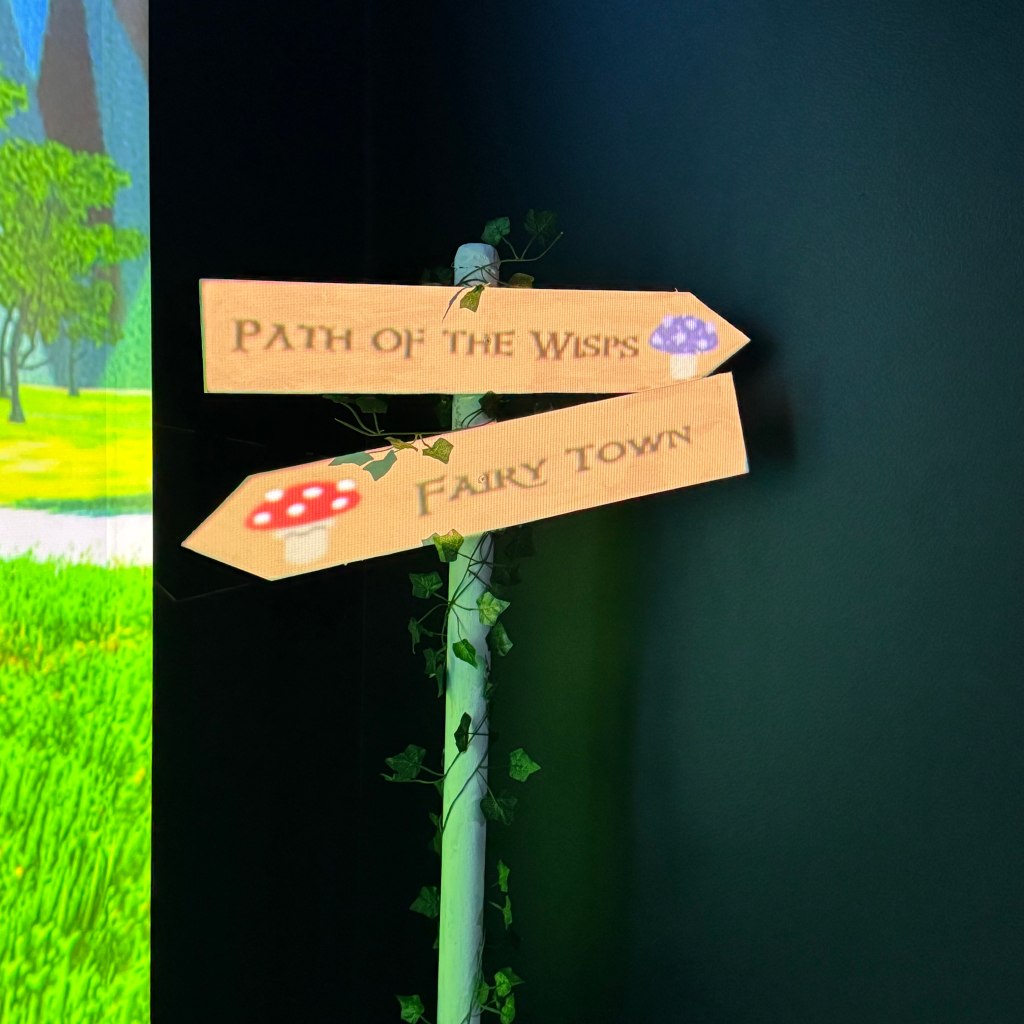
Projection Mapping
One big want that I had going into this project was including the use of projection mapping, which I had done an independent study on the semester before and have since found an absolute love for. I wanted to add an extra wow factor to this project, and it turned out to be one of the most technically challenging things we needed to do due to the technology my team and I had available.
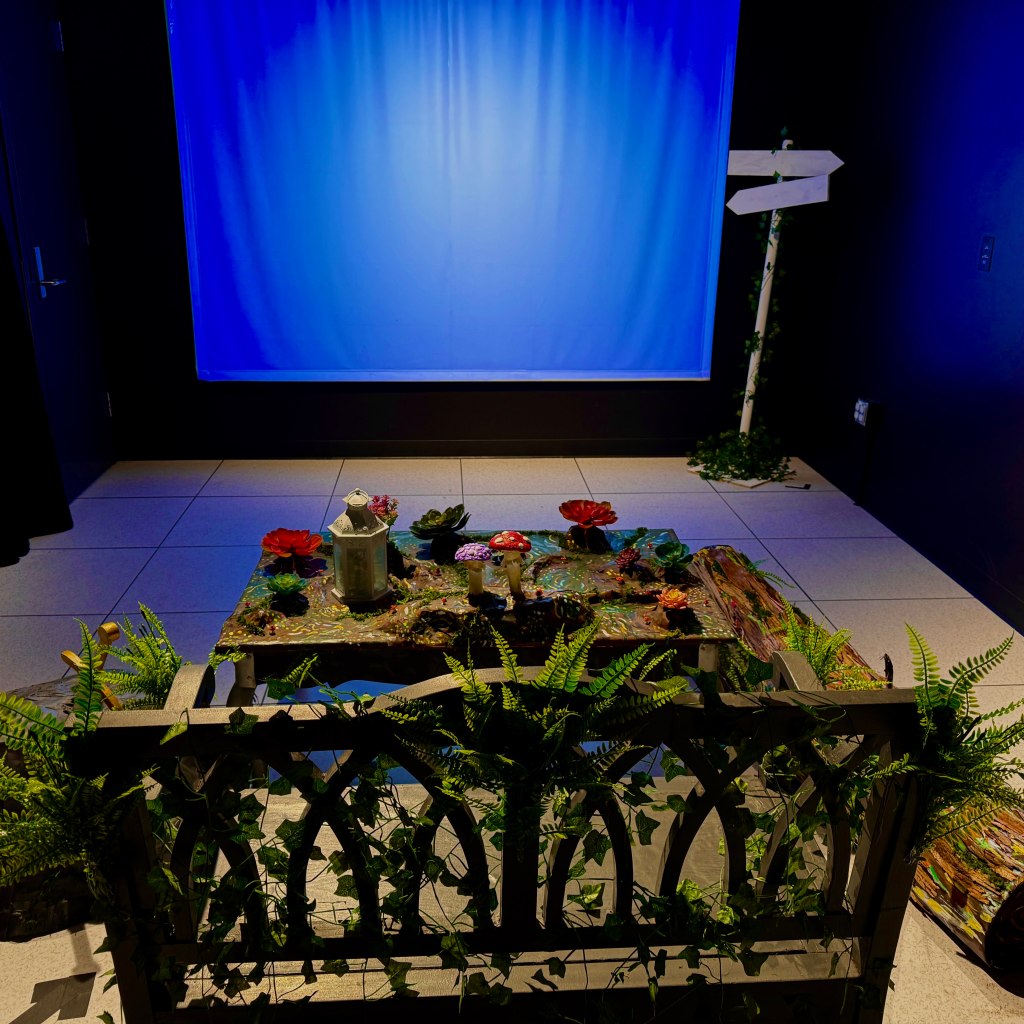
Since projection mapping requires one to know what space this projection will be done in, I first had to set to work finding and mapping the room the project would be installed in. I tested a few projectors and locations, as the original plan was to create a modular setup which could be packed up and moved to different rooms as needed.
My first choice was to use a short-throw projector hidden under the main table used in the project, so as to keep every electronic component in one compact spot, however this was quickly thrown out due to the fact that we did not have access to such a projector. A second option was to use rear projection technology, however room size constraints and similar projector access issues made the group scrap that idea fairly quickly as well. The project ended up using a projector mounted to the room’s ceiling, which was not fully ideal
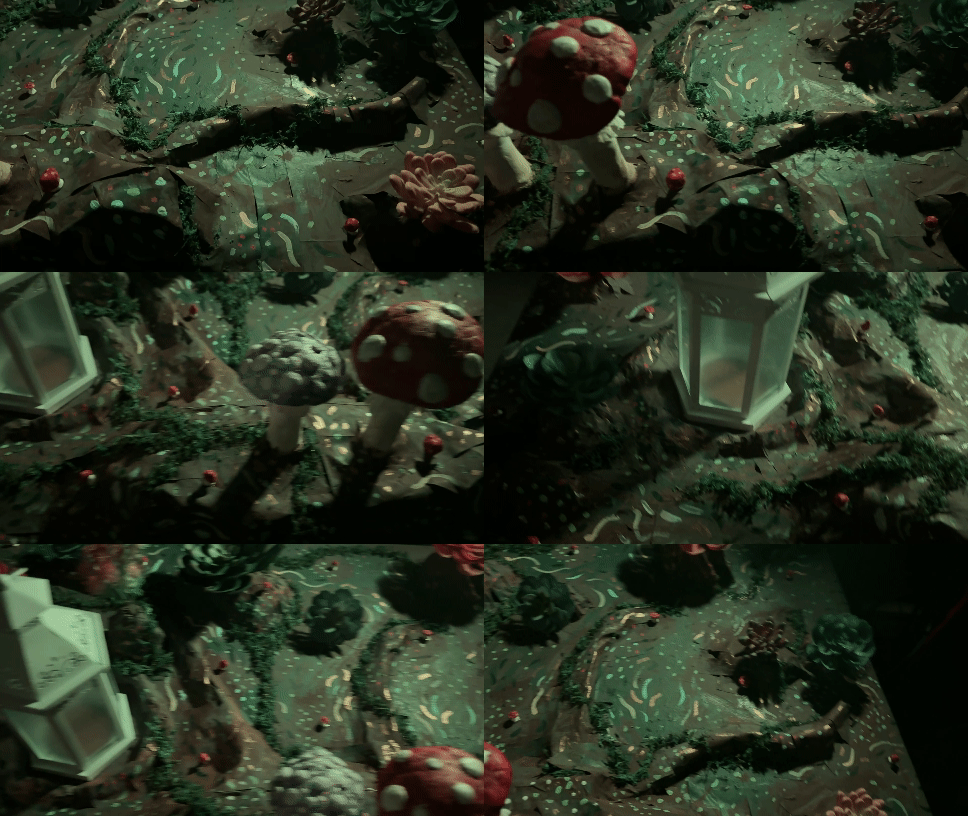
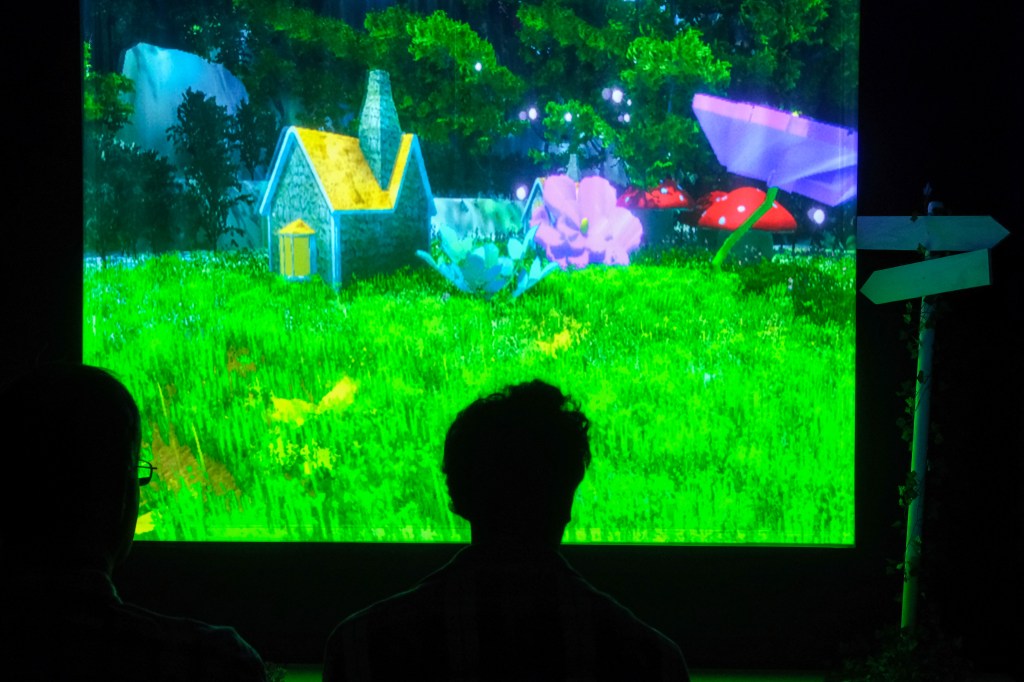
Once the projector was ready and the room was setup, my next challenge was creating the projection components and programming the “ride” to have different components show up at exactly the right time. In this case, I had a physical sign that we projected different things on as a wayfinding technique through the enchanted forest our project took place in. I used HeavyM to manage the projections, Unity to generate what was being seen, and spout to communicate between the two.
What resulted was nothing short of amazing when it first worked. There were audible gasps in the room from those who witnessed this project working properly for the first time. It was absolutely thrilling, and I have been chasing that feeling since.
Developing what’s on the screen
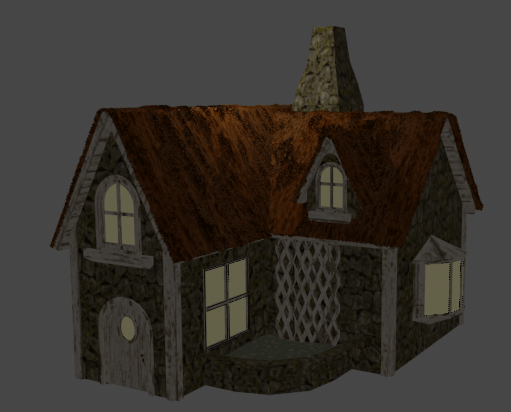
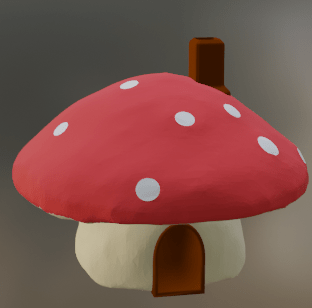
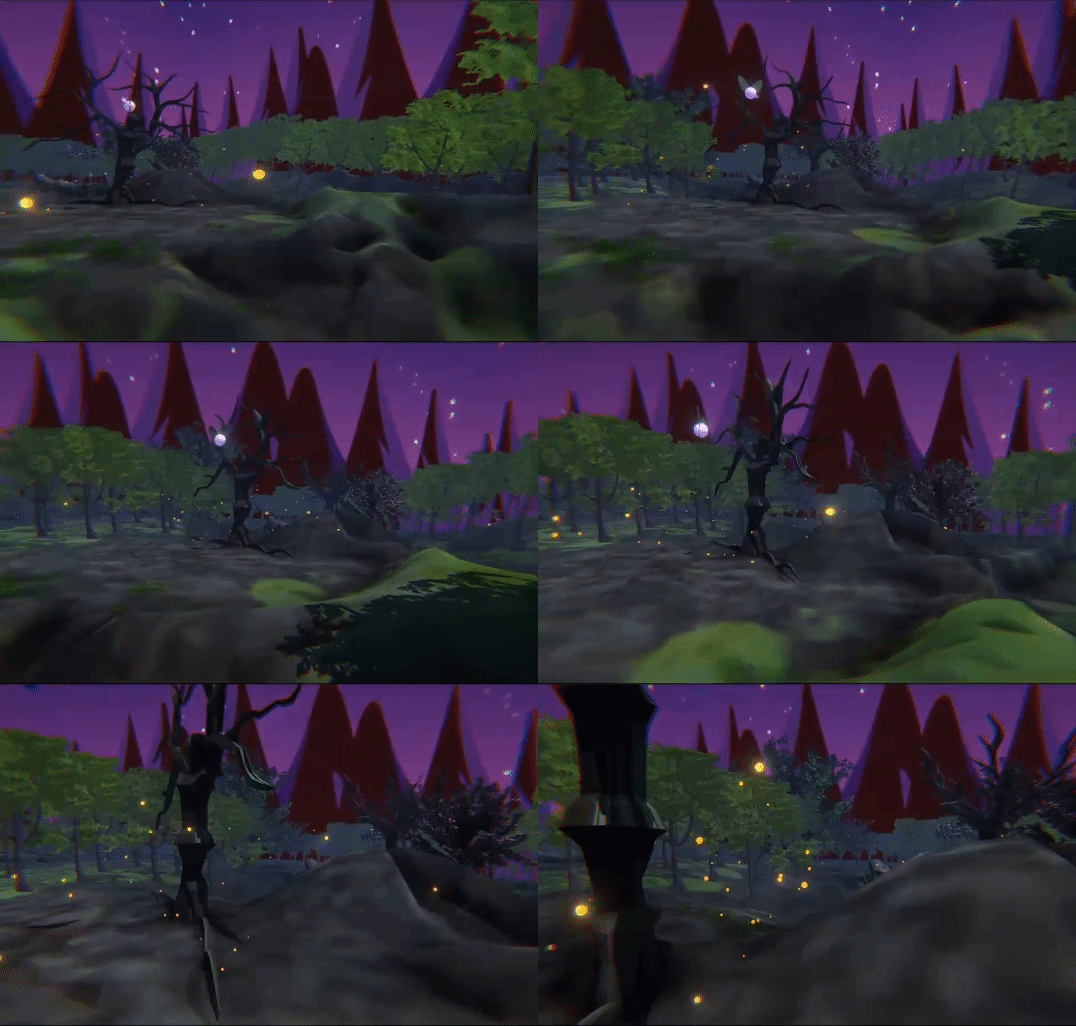
In order to create a rich and densely populated fantasy world, my team and I had to create many digital assets. We decided to take a somewhat unusual approach and blend 2D illustrations with 3D models so as to play to the strengths of each person on the team.
This part of the project was designed with Blender, Illustrator, and Sketchup, with assets then being imported to Unity to create the world.



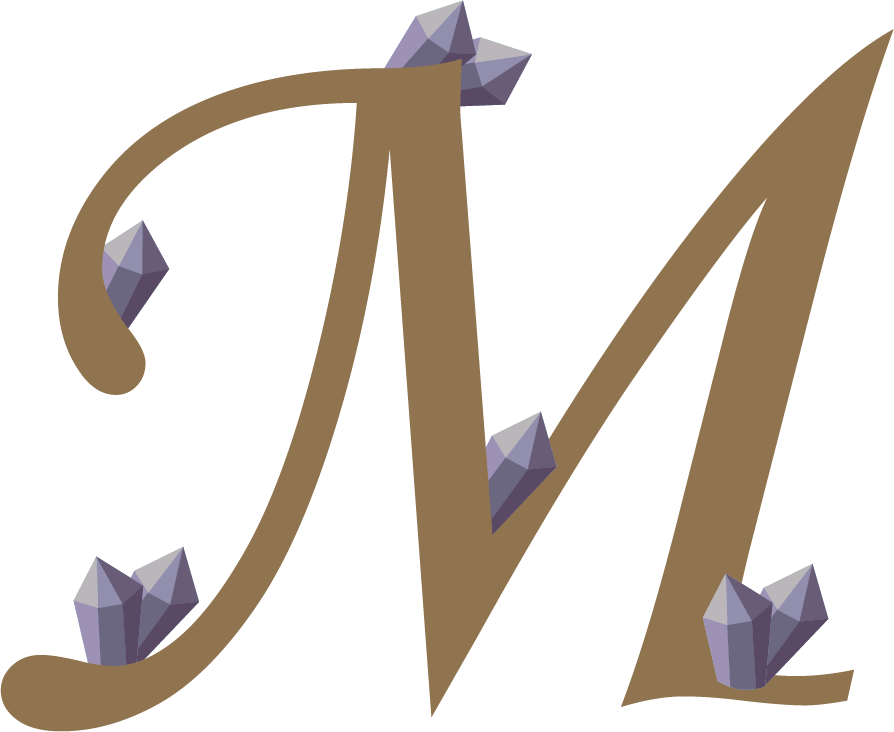
To add an extra layer of interactivity, the team decided to include a small puzzle of letters scattered throughout the scenes. In the end, these letters spelled out “DAYDREAM,” and audience members would have to go through the experience multiple times to collect each piece of the puzzle.







Let’s Get Physical
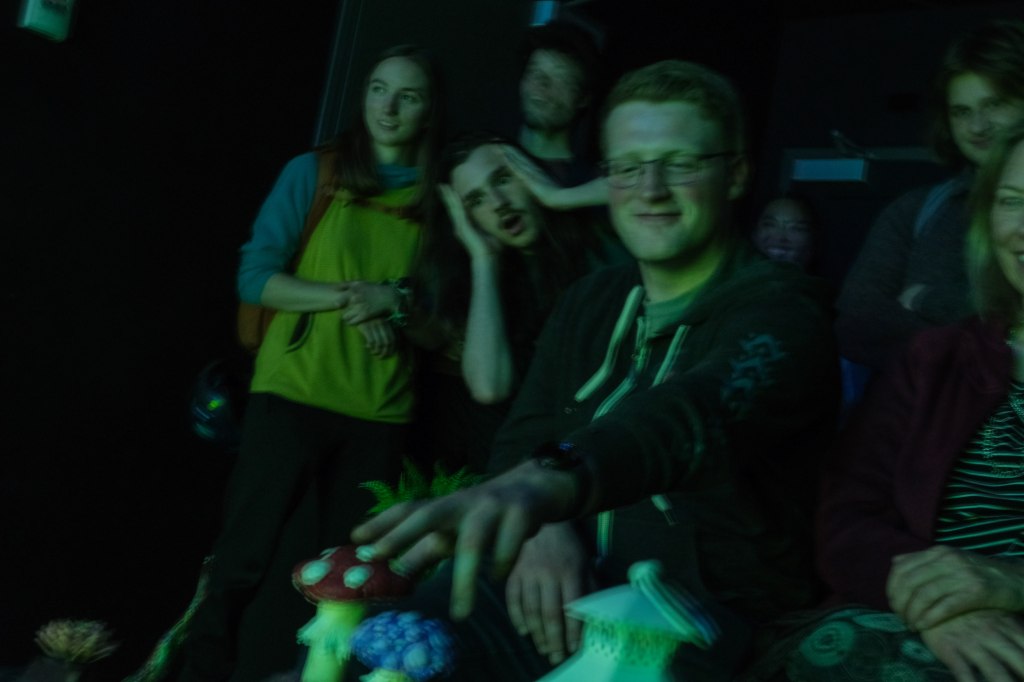
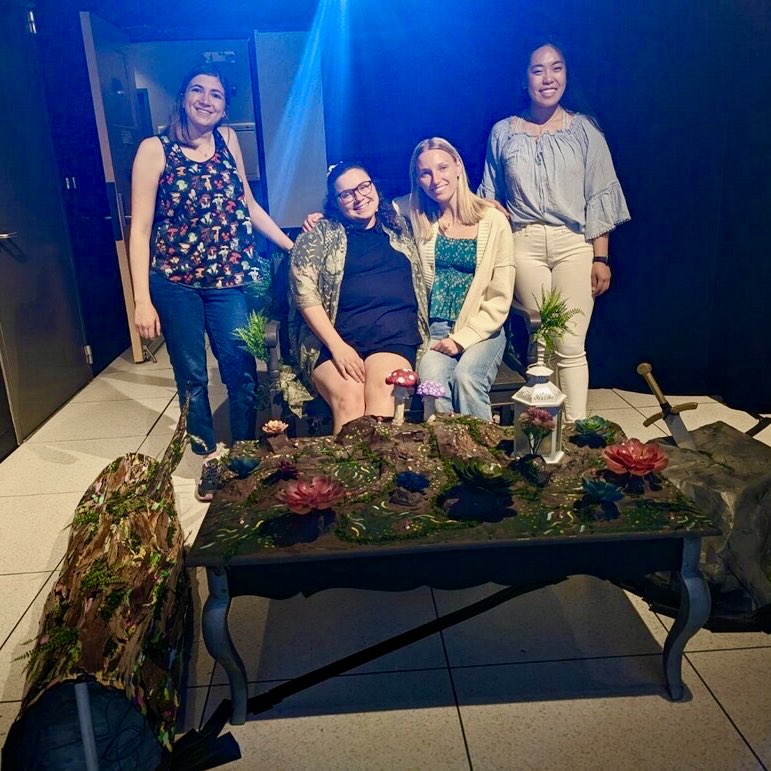
Reverie uses physical objects as an interaction point, rather than having users type directly into the computer. Users can interact with mushrooms, a tree branch, the sword in the stone, and a lantern in order to choose their path through this daydream. Object fabrication was completed using computer assisted methods like 3D printing and laser cutting in combination with more traditional methods of paper mache and painting.
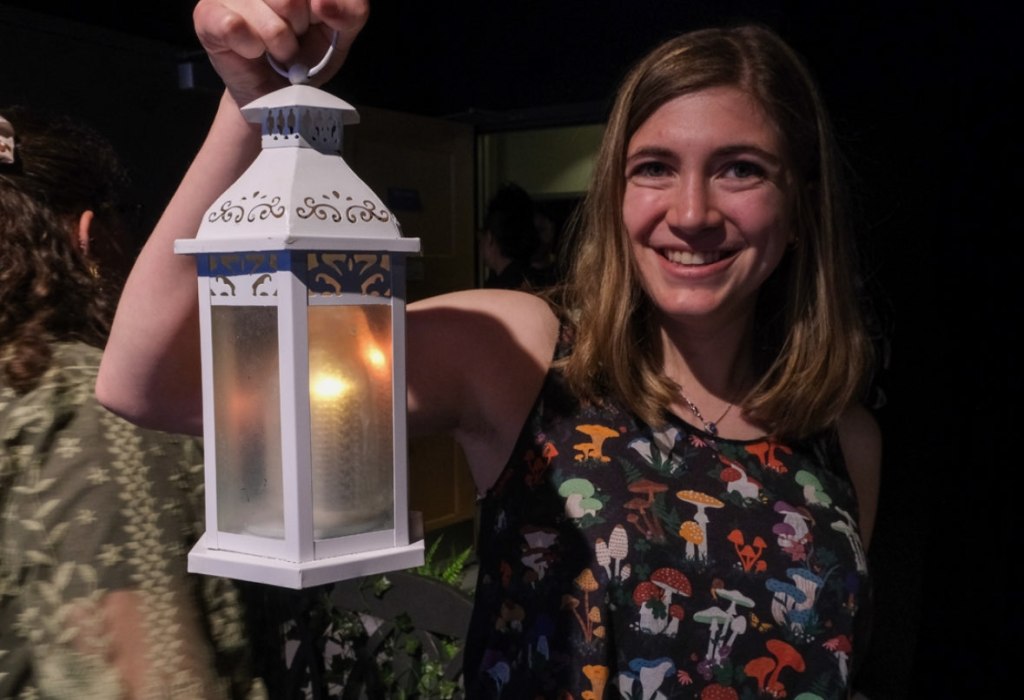
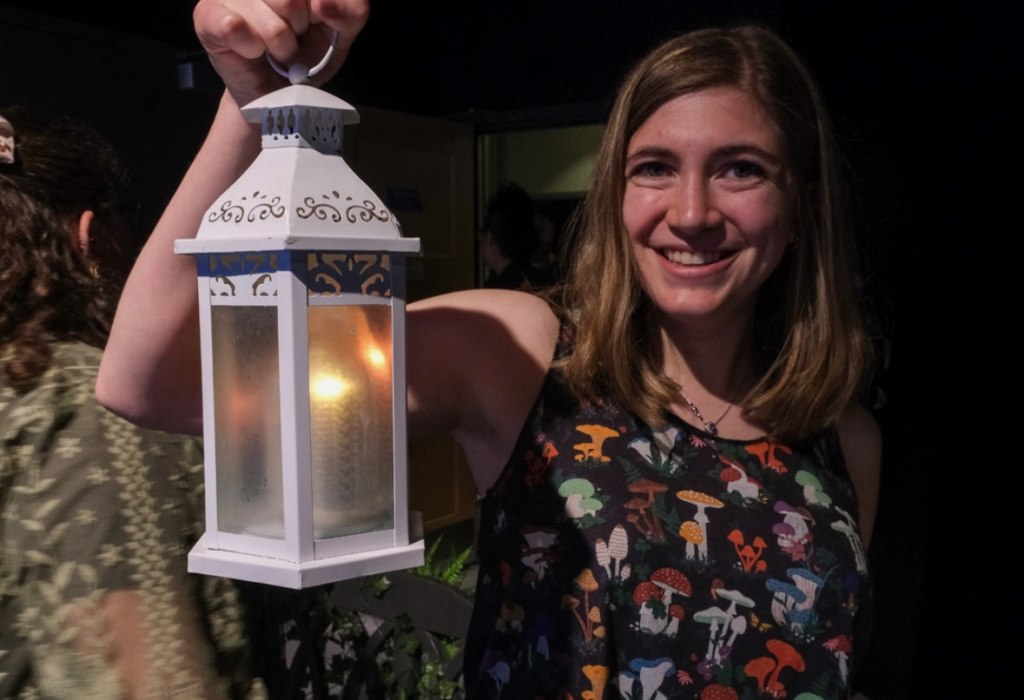
My task in creation of physical objects was to make the lantern, and the idea was for it to light up once it was picked up, which would also trigger the scene change to show the Enchanted Forest. The original lantern was bought from Michaels, and my colleagues and I chose to customize it to properly fit our project. The challenge in creating this was the need for two separate systems due to the fact that we didn’t want any wires to be visible to keep up the illusion of the environment. I ended up designing a small system with an Arduino nano inside of the lantern itself with an enclosure that was shaped like a flame to mask the wires and diffuse the LEDs.
In order to properly get the system to trigger the change and light up the LEDs at the same time, I used a normally closed contact switch for the lantern’s internal system and I created my own switch using copper tape and two plates for the external system. The result was an overwhelming success, as the behavior of the lamp was exactly what I planned.
Integration
The main challenge in system integration was maintaining the illusion of a whole new world, and the team had three big constraints: time, budget, and portability. Building a large and immersive set was impractical with these constraints, so the team made do. Main props such as the sword in the stone and the log needed to be able to be disconnected and moved on the fly, and no piece of the project could be too heavy. In addition, the illusion needed to be maintained by hiding all wires and switches.
This project was by no means perfect, and the biggest issue we ran into was latency, as the computer it was being run on did not have a graphics card powerful enough to manage everything we had created. In practice, the project would slow down after a few runs, which created an entirely different experience from the beginning to the end of the two hour expo it was shown off at. Overall, though, I feel very accomplished and proud of what this team has done in the short 15 weeks of production time.
Project Image Gallery

 Cayla Kennedy